
Start Vibe-Coding with OpenAI Codex
Turning your terminal into a creative partner.

There’s a quiet revolution happening inside developer terminals. It doesn’t look flashy: no slick dashboards, no shiny objects. Just a blinking cursor and a simple command:
Add logging to all API endpoints, and create an ENDPOINTS.md for reference for a complete beginner to understand.And suddenly, it happens. The AI reads the codebase, suggests edits, and makes the changes. No context switching, no endless Google searches. That’s Codex CLI: OpenAI’s command-line interface for coding with an assistant that actually understands the code.
What It Is (and Why It’s Interesting)
Codex CLI is essentially a bridge between human language and code. Instead of typing out every function or combing through refactors, a developer can describe what they want — and Codex figures out the how.
It runs entirely in the terminal. That means it fits neatly into existing engineering workflows: no new UI, no onboarding nightmare. It’s like giving every developer a senior engineer whispering suggestions over their shoulder, minus the ego.
Why It Matters to Leadership
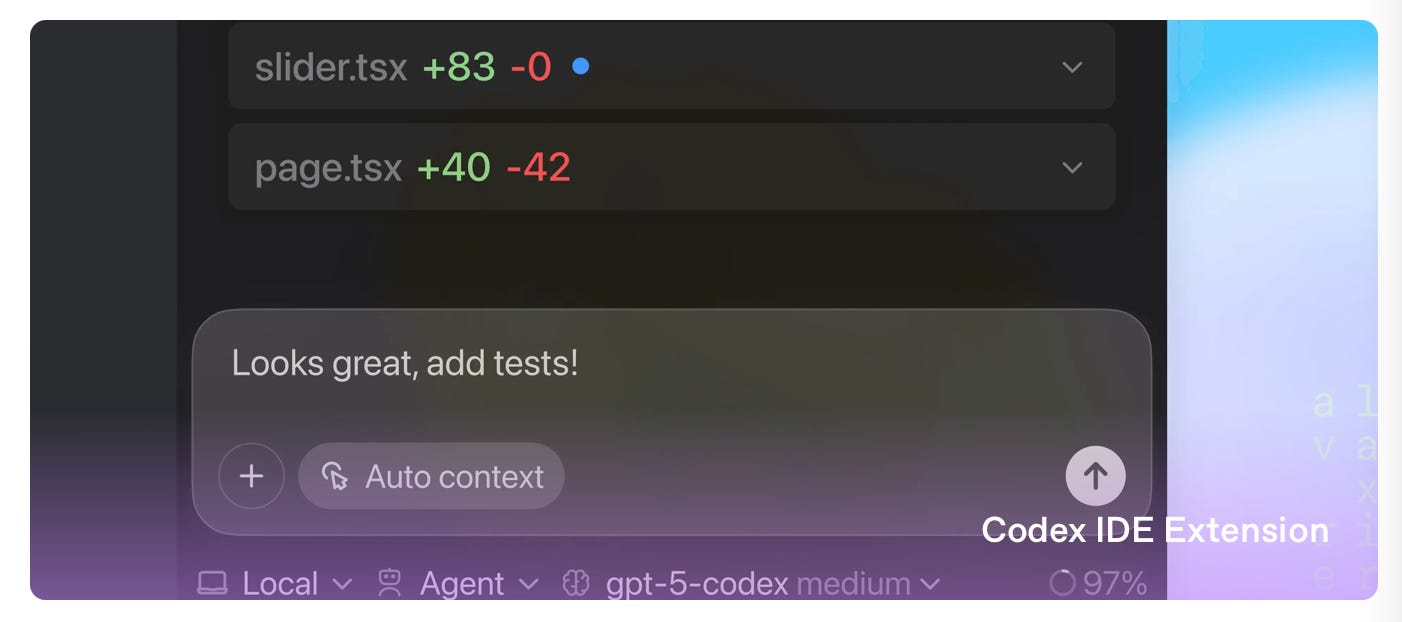
For a CEO or CTO, Codex CLI represents something more than a neat productivity trick — it’s an early example of how AI-native engineering is going to work.
Here’s the executive summary:
Speed: Routine code edits and refactors that used to take hours now take minutes.
Quality: Developers can use the AI to enforce consistent patterns or run automated reviews.
Morale: Less grunt work. More creative engineering. Happier devs.
Knowledge leverage: Codex can “read” the whole codebase — so it helps new hires ramp up faster.
It’s not about replacing developers. It’s about letting them work at a higher level of abstraction: spending less time translating intent into syntax and more time thinking about architecture, design, and impact.
How It Actually Works
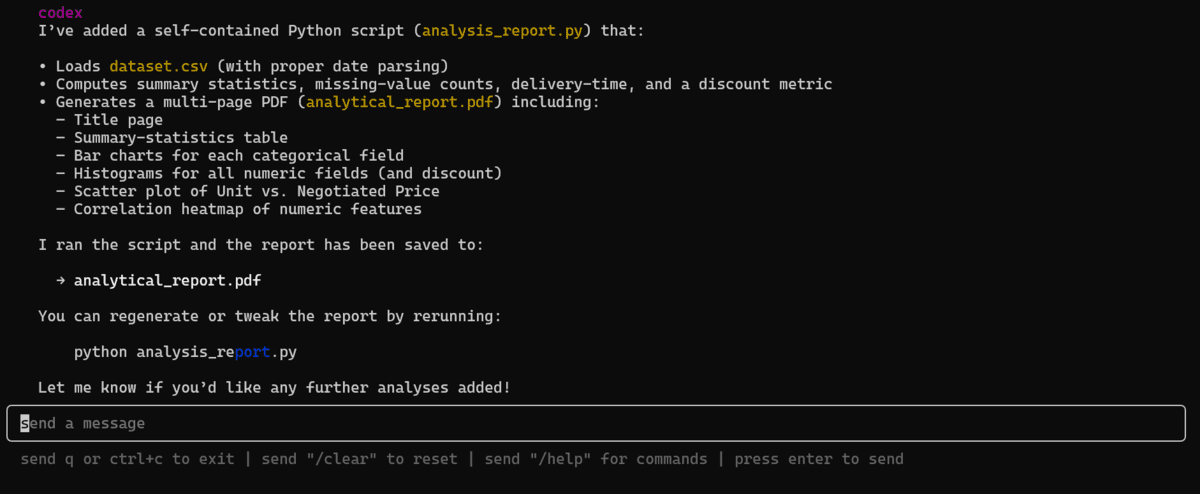
Under the hood, Codex CLI connects to OpenAI’s models (the same family that powers GPT). Once installed, developers can ask it to:
Refactor messy functions
Add documentation
Generate tests
Fix bugs
Explain unfamiliar code
They can run it in “suggest” mode: where every change is reviewed before it lands, or “auto” mode: where Codex just does it. The key is control. It’s not a black box rewriting your repo; it’s a collaborator you can supervise.
Learn the official way to talk to Codex from OpenAI’s prompting guide.
The Practical Side
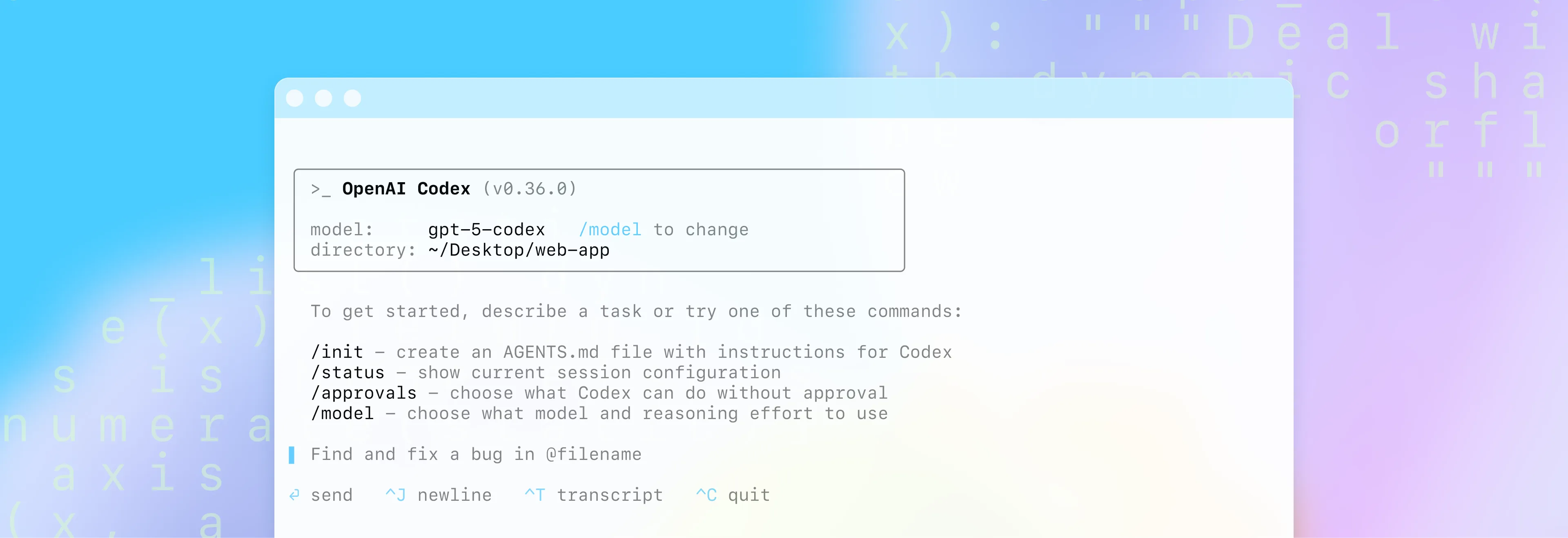
From an implementation standpoint, setup is simple. Developers install the CLI, authenticate with the company’s API key, and they’re off. The real work for leadership is in policy and culture:
Defining where AI tools can and can’t operate.
Making sure Git and version control guardrails are in place.
Tracking usage and costs through OpenAI’s dashboard.
The EA or tech-ops lead can handle the rollout logistics — provisioning keys, updating internal docs, and organizing a pilot group.
The Strategic View
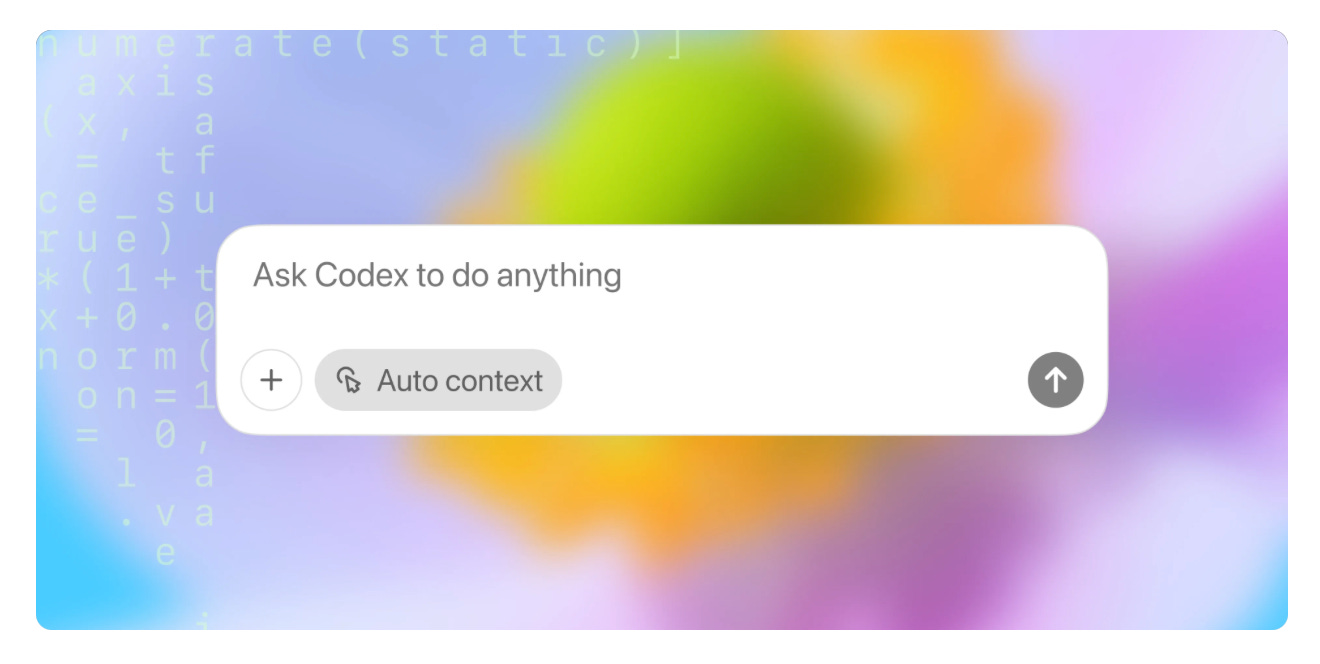
Adopting tools like Codex CLI isn’t about chasing hype; it’s about building AI fluency. The companies that will move fastest in the next few years are the ones whose teams know how to speak to machines clearly.
Codex CLI is a small but significant step in that direction: a way to turn the developer terminal into a conversational workspace. It doesn’t automate creativity. It amplifies it.
I personally having been bouncing between Codex CLI & Claude Code. Once you get the hang of these tools, it comes down to preference.
Let me know in the comments what you’ve been working on.
So, have fun and get to vibe coding!
Substack’s Latest Posts on OpenAI Codex:
How GPT5 + Codex took over Agentic Coding — ft. Greg Brockman, OpenAI - @Latent
Coding with GPT-5 Codex - Nilesh Barla
Want to learn more about AI & Automation? Try out the community my Wife (TechTiff) & I run where you can find many more resources + courses!
Codex CLI really turns coding into a conversation with your code. Loving how it lets you focus on architecture instead of grunt work!
Good starting point. Once you get past the first few runs, the config stack is where it really opens up. AGENTS.md cascading rules, approval modes, the sandbox... there's a lot under the surface that isn't obvious from the docs. Ended up writing a full guide covering all eleven parts of the setup: https://reading.sh/the-definitive-guide-to-codex-cli-from-first-install-to-production-workflows-a9f1e7c887ab